





By Jim Shimabukuro (assisted by Gemini)
Editor
Introduction: I asked Gemini for her opinion on the best free soundtrack creators for non-commercial YouTube videos, and she recommended five. Iʻll be testing them out in the coming weeks and posting updates within this article. If you have any suggestions or comments re these choices, please post them in the comments section attached to this article. Her comments include a very useful explanation of the “free” terms for each choice. -js
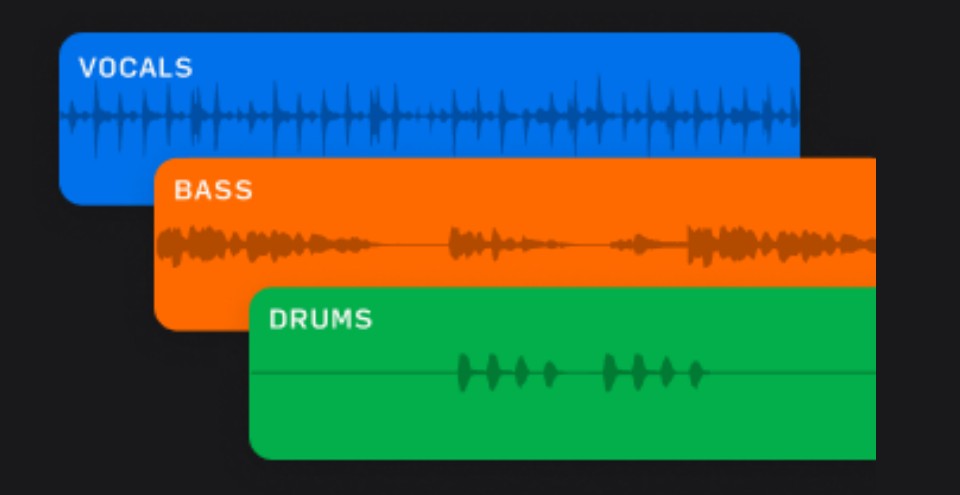
Gemini: Creating your own soundtracks for personal YouTube videos is a great way to add a unique touch without worrying about copyright issues. The good news is that there are several AI music generators that are designed for beginners with no musical background. These platforms are typically very easy to use, relying on text prompts and simple controls to generate music.
Here are a few suggestions for AI music creators that are free or have a useful free version, are easy to use, and allow you to use your creations in your personal YouTube videos:

Suno AI: Suno is highly praised for its ability to generate high-quality, full-length songs with or without lyrics from a simple text prompt. It’s often recommended for beginners because its interface is very user-friendly. The free version gives you a daily allotment of credits, which is sufficient for generating several tracks a day, and it allows you to download and use the music for non-commercial purposes, which fits your needs. It provides 50 daily credits, which generate up to 10 songs. Users can create music by describing the style and lyrics they want via text prompts, with no payment or credit card required to start, though this free tier has limitations, such as not allowing commercial use.
[Update: 8/2/25: My initial impression of Suno AI, after creating and reviewing the alternate tracks offered, is that this is the old bait-and-switch scam. The bait is free creations that are subpar, and the switch is decent creations with a price tag. For the latter, you’re allowed to hear a short snippet of track as a tease and hustled to pay a subscription price to hear the entire song. The better song sounds good, but it sounds like countless other songs. Still, YMMV. Am I disappointed? No. I expected as much. -js]

Udio: Udio is another powerful AI music generator that can create both instrumental and lyrical tracks. It’s known for its high-quality audio and a user-friendly interface that makes it easy to get started. Similar to Suno, it offers a free plan with a daily credit allowance. Many users find it to be a great alternative or complement to Suno.

Soundful: Soundful is an excellent option for content creators. Its free “Standard” plan (“Free Forever”) is specifically for personal projects and includes one free MP3 download per month, as well as unlimited track generations. This means you can create as many tracks as you want to find the perfect one before using your monthly download. The platform is designed to be straightforward, allowing you to choose genres and moods with a few clicks.

Beatoven.ai: This is a good option if you want more control over the mood and structure of your music. Beatoven.ai is an AI music generator that lets you create original background music. The free version allows you to create music, and you can download the final tracks with a paid plan. While it’s not entirely free for downloads, the ability to compose and customize tracks for free can be a great way to experiment with different styles and find what you like.
[Update 8/2/25: My initial impression of Beatoven.ai is — terrible results. It doesn’t respond to revised instructions in subsequent prompts and continues to pump out music with the same shortcomings. Its response to the original prompt was also poor. This was my first attempt at creating AI music, so that might explain the results, but I’m experienced at prompting and thought I did a decent job. I even asked ChatGPT for help in prompting Beatoven.ai, but the results remained unresponsive. Still, YMMV. -js]

Mubert: Mubert is a platform that uses AI to generate music based on a variety of moods and styles. Its “Render” tool is specifically for content creators and is designed to instantly create a soundtrack of a perfect length, mood, and style. The free “Ambassador” plan allows you to create and download a limited number of tracks per month, with attribution required.
Important considerations:
Licensing: Even for personal use, it’s crucial to check the specific terms of service for each platform. Most free plans have a “non-commercial” or “personal use” license, which is perfect for your YouTube videos. However, if you ever decide to monetize your videos, you would need to check if the free version’s license allows for it or if you would need to upgrade to a paid plan. The platforms mentioned above generally have clear licensing information.
Ease of Use: All of these platforms are designed with beginners in mind. They typically operate by having you input a text prompt or select from a list of genres, moods, and instruments. This eliminates the need for any musical knowledge.
My recommendation is to try out the free versions of a few of these, such as Suno AI and Udio, to see which interface and style of music generation you prefer. They are all great starting points for someone with no musical training to begin creating unique soundtracks for their YouTube videos.
Filed under: Uncategorized |


 Educational Technology and Change Journal

Leave a comment