





By Jim Shimabukuro (assisted by Grok)
Editor
Introduction: In this article, Grok and I share three narratives of students using chatbots with multimodal integration—enabling seamless handling of text, vision, audio, and video—to develop and present class projects. -js
College Student: Environmental Science Web Submission on Climate Change
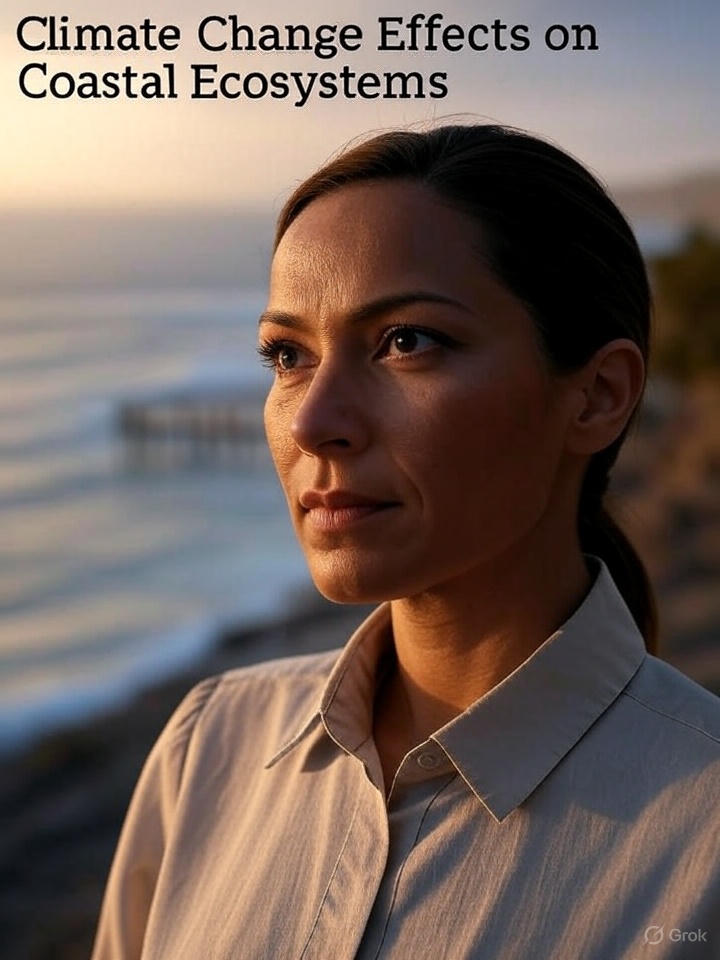
Sophia, a 20-year-old college junior majoring in environmental science, must submit a web-based interactive report on climate change effects on coastal ecosystems for her capstone project. Balancing classes and part-time work, she relies on her sophisticated multimodal chatbot, “AcademiaBot,” to integrate text, vision, audio, and video seamlessly.
Sophia starts by texting: “Outline a web report on sea-level rise impacts.” AcademiaBot generates a structured text framework, including sections on erosion, biodiversity loss, and mitigation. For data visualization, she uploads satellite images of eroding coastlines from her research. The bot’s vision capabilities analyze pixel changes over time, creating interactive graphs and heatmaps she can embed as web elements.
Audio enhances interactivity: “Generate a podcast-style segment on coral bleaching,” she requests. AcademiaBot produces a 2-minute audio file with expert-like narration, sound effects of ocean waves, and integrated data points. Sophia uploads her own recorded interview with a professor; the bot transcribes it via audio processing, suggests edits for conciseness, and converts it into embeddable web audio clips with timestamps.
Video is key for engagement. Sophia describes a desired animation: “Animate mangrove ecosystem decline due to flooding.” AcademiaBot generates a custom video simulation, using her uploaded sketches as base images—vision mode refines details like root structures—and adds voiceover synced to visuals. To incorporate real data, she shares a video from a field trip showing affected areas; the bot analyzes frames to extract metrics like water levels, overlaying annotations and converting it into an interactive web viewer.
Building the site, Sophia uses a simple web builder but leverages AcademiaBot for content. She texts code snippets for HTML embeds; the bot refines them, ensuring multimodal compatibility—like responsive images that zoom on hover (vision-enhanced) or audio that plays on click. For a virtual tour section, she uploads 360-degree photos; AcademiaBot stitches them into a navigable video panorama with audio guides.
To polish, Sophia shares a draft web link. Though AcademiaBot can’t directly access external sites, she describes elements via text and uploads screenshots. The bot analyzes images for layout issues, suggests accessibility improvements like alt text, and even generates SEO-optimized meta descriptions.
Submitting her interactive web report—featuring clickable maps, embedded videos, audio infographics, and dynamic text—Sophia receives acclaim from her professor for its depth and user-friendliness. The chatbot streamlined complex integrations, allowing her to focus on analysis. This demonstrates how multimodal tools will revolutionize college-level work, boosting innovation, efficiency, and academic performance by making advanced multimedia accessible to all students.
High School Student: History Video Project on World War II

Alex, a 16-year-old high school sophomore, has a history assignment to create a 5-minute video documentary on the impact of World War II on civilian life. Struggling with scripting and multimedia elements, he turns to his advanced multimodal chatbot, “LearnAI,” which handles text, images, audio, and video fluidly.
Alex begins by voice-chatting: “Summarize civilian experiences in WWII Europe.” LearnAI responds with a spoken overview, then sends text bullet points for his script. To visualize, he uploads a scanned family photo of his great-grandfather in uniform. The bot’s vision mode identifies era-specific details like the medal, cross-references historical databases, and generates a restored colorized version with annotations: “This insignia indicates service in the Allied forces, 1944.”
For audio, Alex needs authentic elements. “Create a soundscape of a wartime city,” he texts. LearnAI produces a layered audio track: air raid sirens, distant explosions, and radio broadcasts, mixed with narrated survivor quotes. He refines it by recording his own voiceover and uploading the audio file; the bot suggests edits like “Slow down here for emphasis” and enhances clarity by reducing background noise.
Video integration shines when Alex sketches storyboards on his tablet and photographs them. LearnAI analyzes the images, suggesting transitions, and compiles a rough video draft using stock footage it generates or pulls ethically. “Add a clip of rationing lines,” he commands. The bot creates a simulated video sequence from descriptions, animating historical photos into motion with smooth narration synced via audio analysis.
To ensure accuracy, Alex queries: “Fact-check this script section on the Blitz.” LearnAI scans the text, cross-verifies with vision-enhanced maps showing bomb sites, and provides video simulations of events. For engagement, he uploads a short clip of himself acting out a civilian’s diary entry; the bot critiques timing and suggests visual effects like sepia filters.
Finalizing the video, Alex assembles everything in editing software, but uses LearnAI to polish: uploading the draft video, the bot analyzes frames for pacing, audio for sync issues, and text overlays for readability. It even generates subtitles automatically.
Submitting his polished video, Alex earns top marks for its immersive quality—blending personal touches with professional multimedia. His teacher praises how the chatbot amplified Alex’s research, making history vivid and relatable. This example shows how multimodal chatbots empower teens to produce high-quality work, enhancing critical thinking and technical skills while saving time.
Elementary Student: Science Fair Presentation on Ecosystems
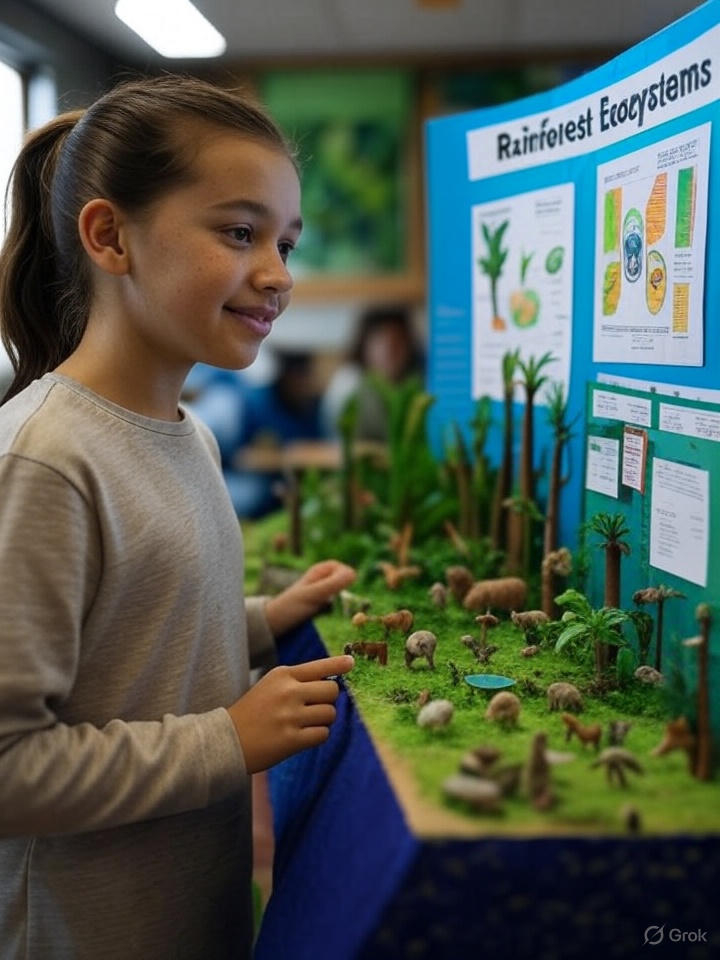
Emily, a curious 12-year-old in sixth grade, is tasked with creating a presentation for her school’s science fair on rainforest ecosystems. She’s excited but overwhelmed by the research and visuals needed. Enter her multimodal chatbot, “EduBot,” which seamlessly integrates text, vision, audio, and video to assist her.
Emily starts by texting EduBot: “Help me understand the Amazon rainforest ecosystem.” The bot responds with a concise text summary, explaining layers like the canopy and understory, and generates an interactive diagram she can zoom into via vision mode. Spotting a confusing part about animal adaptations, she uploads a photo from her textbook of a jaguar. EduBot analyzes the image, highlighting key features like camouflage spots, and overlays annotations explaining how they aid hunting.
To make her presentation engaging, Emily asks EduBot to create audio clips. “Record a narration about rainforest sounds,” she says. The bot generates a 30-second audio file mimicking bird calls, monkey howls, and rustling leaves, complete with educational voiceover. She plays it back, tweaking via voice commands: “Make the monkey louder and add facts about biodiversity.” EduBot refines it instantly, pulling from its knowledge base.
For visuals, Emily sketches a rough food chain on paper and snaps a photo. EduBot’s vision integration turns it into a polished animated video snippet, showing energy flow from plants to predators. She integrates this into her slides. Needing real-world context, she queries: “Show me a video of deforestation effects.” EduBot curates a short, age-appropriate clip from educational sources, with overlaid text explanations, and suggests discussion points like “How can kids help?”
As she practices, Emily records a video of herself presenting and uploads it to EduBot. The bot analyzes her speech for clarity, suggests pauses using audio feedback, and even critiques body language via vision: “Smile more during the fun facts section!” This boosts her confidence.
On science fair day, Emily delivers a captivating 10-minute presentation using slides enriched with EduBot’s multimodal elements: interactive images, immersive audio, and dynamic videos. Her teacher notes how the chatbot helped Emily grasp complex concepts independently, turning a standard project into an interactive experience. Emily’s grade soars, and she feels empowered, realizing chatbots like EduBot make learning fun and accessible. This illustrates how multimodal tools can level the playing field for young students, fostering creativity and deeper understanding without overwhelming them.
Filed under: Uncategorized |


 Educational Technology and Change Journal

Leave a comment