



 By Harry Keller
Editor, Science Education
John Adsit has written very well (“No Satisfaction in Finding on Online vs. Traditional Science Classes,” 10.22.12) about some of the issues raised by the Colorado Department of Higher Education study (Epper) and has expressed some excellent insights into this field. In some ways, I wouldn’t go quite as far, and, in others, I’ll dig more deeply.
While it’s mostly true that a university cannot meet these standards in large classes, it does not have to be so. It’s because most professors are dedicated to research and not to teaching that such situations abound. I was such a professor with 350 students in a freshman chemistry course with labs. I met with my 22 teaching assistants weekly and visited lab sessions constantly during the course. It left me little research time but helped to build a good quality course. (Today, I’d make a much better one, but I was new to teaching then.)
In community colleges, there’s no excuse for not meeting the goals of America’s Lab Report (ALR). It’s not a publish-or-perish environment, and the class size is smaller.
John has listed the ALR goals in his remarks, and I’ll comment on them specifically. I see no excuse for not meeting the second set of four goals that addresses integration of science labs with the overall course. These are overarching goals for any lab course and would be easy to meet for anyone who cares to make the effort.
The first set of goals focuses more closely on the labs themselves. These are nice goals, but are not all equal when it comes to designing great lab experiences. I’ll take them out of order to put them into the proper context.
3. Understanding the complexity and ambiguity of empirical work.
This is so important that ALR singles it out as the one goal that can be achieved in no other way than through a science lab. In this context, it’s important to note the part of the report that John left out, the definition of a science lab:
Laboratory experiences provide opportunities for students to interact directly with the material world (or with data drawn from the material world), using the tools, data collection techniques, models, and theories of science.
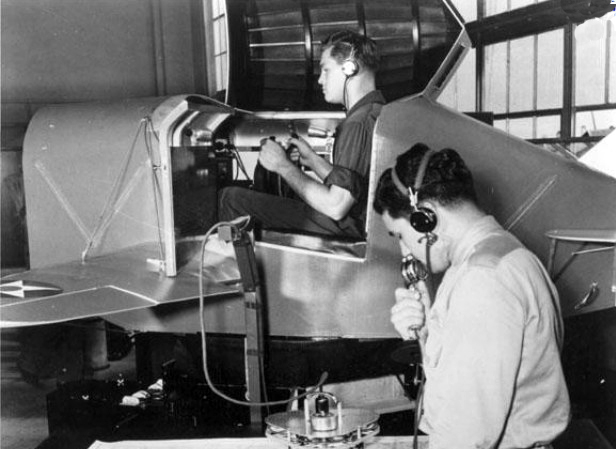
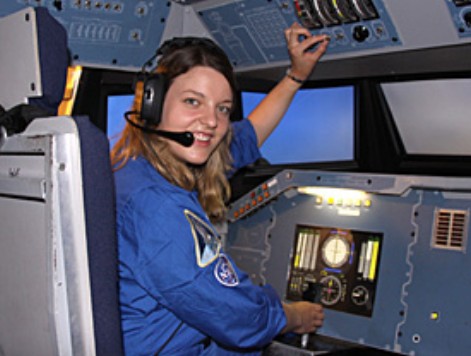
Note well that the data must always come from the “material world.” That statement completely rules out simulations that use equations and algorithms to create the data.
Filed under: Science | 4 Comments »




















 Educational Technology and Change Journal
